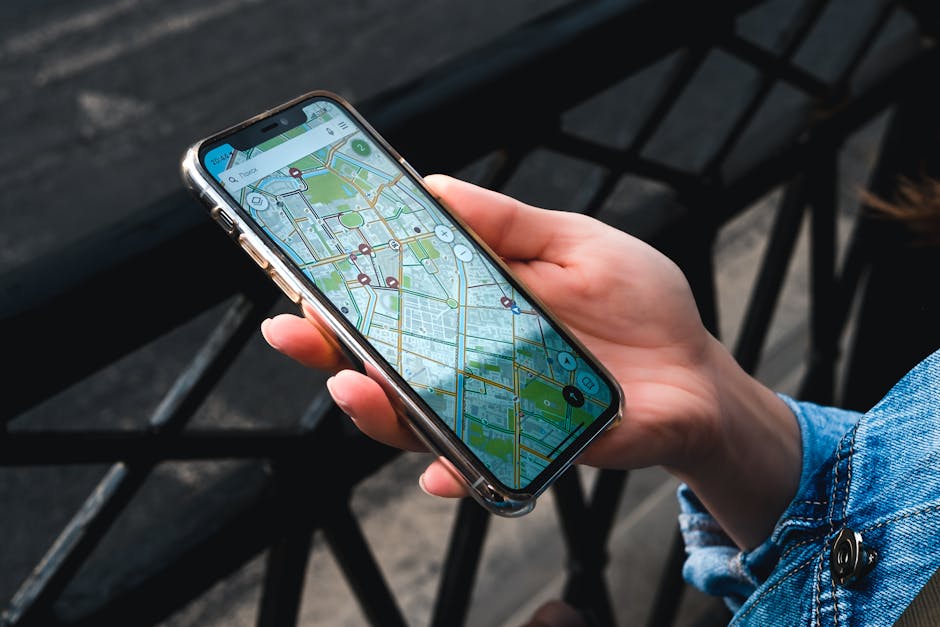
Staying connected in Amsterdam is easy — the Netherlands has 99% 4G/5G coverage, free WiFi at most cafés, English-speaking phone shops, and excellent eSIM options for instant activation. EU and UK visitors can use their home plan for free under EU roaming rules; visitors from elsewhere can buy a Dutch SIM card at Schiphol for €10-30 with 10-100 GB. This guide covers all the options — physical SIM, eSIM, hotel WiFi, public WiFi, EU roaming — to help you choose the cheapest and most convenient way to stay online during your trip.
Quick Summary: What’s Best For You?
- EU/UK visitor: Use your home plan — free EU roaming. No need to buy anything.
- US, Canadian, Australian visitor (short trip): Buy an eSIM (€5-15 for a few days; install before arrival).
- Long trip (10+ days): Physical Dutch SIM from Schiphol or city shop, €10-25 for 10-50 GB.
- Multiple countries in Europe: eSIM from Airalo, Holafly or similar, valid Europe-wide.
- Budget option: Free public WiFi everywhere; no SIM at all if you can use offline maps.
EU/UK Roaming: The Free Option
- Citizens of EU countries can use their home plan in the Netherlands at no extra cost (EU "Roam Like At Home" rule).
- UK citizens since Brexit: depends on your operator. Some include the EU for free (EE, O2 in many plans); others charge €2 per day or similar (Vodafone UK, Three for new contracts).
- Check before flying: log in to your operator’s app to confirm your plan’s EU coverage.
- Data caps: many operators apply a "fair use" cap on EU roaming (e.g., 25 GB).
eSIM: The Easiest Option for Non-EU Visitors
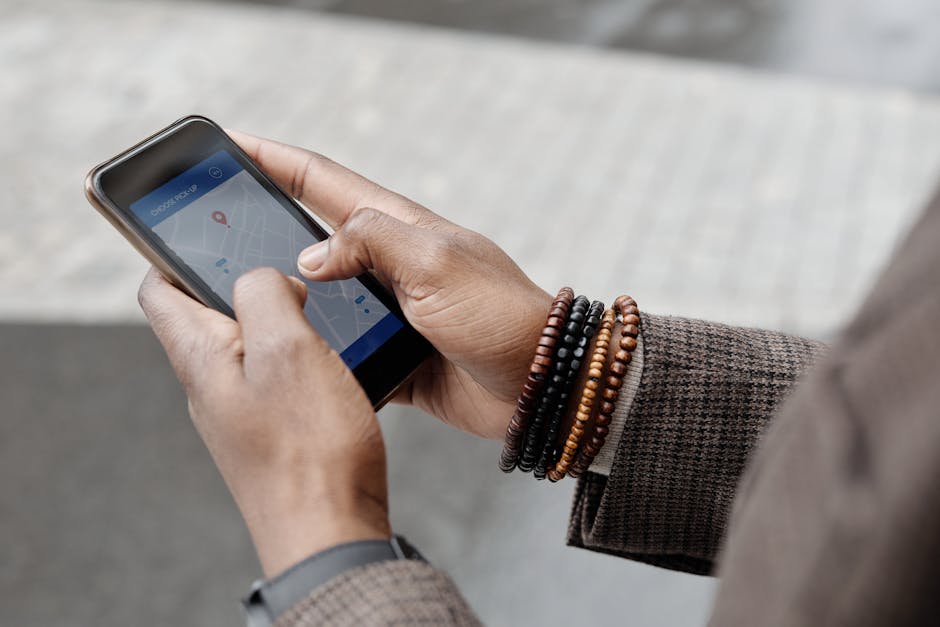
An eSIM is a digital SIM installed via QR code or app — no plastic card needed. Works on iPhone XS and later, Pixel 4 and later, Samsung S20 and later. Most new phones from 2020+ are eSIM-capable.
How an eSIM Works
- Buy online before your trip (or once you have WiFi on arrival).
- Provider sends a QR code by email.
- Scan the QR code in your phone’s settings.
- Activation usually takes 5 minutes; you can keep your home SIM active for calls/SMS.
- Data starts flowing as soon as you land.
Best eSIM Providers for Amsterdam
- Airalo: Netherlands-specific from €5 (1 GB / 7 days). EU bundle €11 for 3 GB / 30 days.
- Holafly: unlimited data 7 days €27; 15 days €47. Pricier but truly unlimited.
- Nomad: Netherlands €5 for 1 GB / 7 days.
- Ubigi: pay-as-you-go data with Netherlands €15 / 5 GB.
- Saily / Aloh / GigSky: similar pricing.
- KPN, Vodafone, Odido eSIMs: same as physical SIM plans but digital; €10-30.
Tip: install the eSIM at home before you fly; activate when you land. This way you’ll have data the moment you arrive at Schiphol.
Physical Dutch SIM Cards
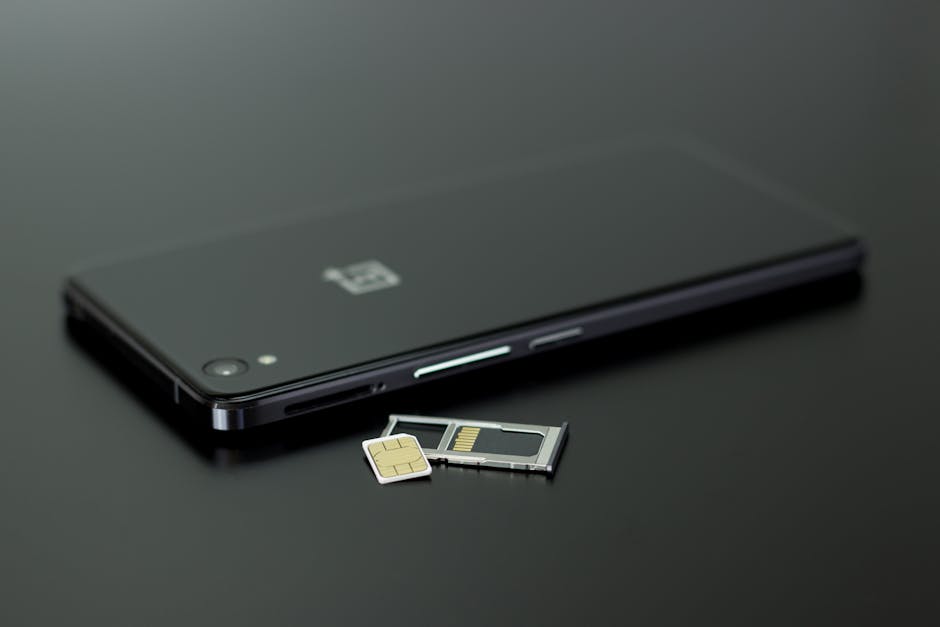
Where to Buy
- Schiphol Airport: phone shops in Arrivals Hall 1, 2, 3. KPN, Vodafone, Odido stores plus the Comm-It store sells multiple operator SIMs.
- Albert Heijn supermarkets: cheap pre-loaded SIMs (Lebara, Lyca, Albert Heijn Mobiel) at the till.
- HEMA: pre-loaded SIMs.
- City phone shops: KPN, Vodafone, Odido on Kalverstraat, Centraal Station, etc.
- Bookstores / convenience: prepaid SIMs from Lebara, Lyca.
Best Operators & Prices (2026)
- KPN: best network; 6-30 GB packages €16-22.50; longer validity (28-90 days).
- Vodafone: 2 GB (€10), 4 GB (€20), 10 GB (€30); 30-day validity.
- Odido: 10 GB + 10 min + 10 SMS for €10; 4 GB + 20 min + 20 SMS for €23. Best value.
- Lebara: small operator on Vodafone network; international calls cheap; 5 GB €10.
- Lyca Mobile: similar to Lebara; cheap international calls.
- Albert Heijn Mobiel: 4 GB €10; 30-day validity. Cheapest at the supermarket till.
How to Activate
- Insert SIM card.
- Most SIMs are pre-loaded — start working immediately.
- Send a registration SMS or call the operator’s free number to confirm (instructions in pack).
- You’ll receive a confirmation SMS.
- ID verification: Dutch operators may ask for a passport scan for registration on newer regulations.
Free Public WiFi in Amsterdam

- Cafés & restaurants: almost universal free WiFi. Ask for the password ("Wat is de WiFi?").
- Public squares: free WiFi in Vondelpark, Museumplein, Dam Square, and other major squares.
- Public libraries: free WiFi; OBA Centraal at the eastern docklands is a beautiful place to work.
- Trains: NS WiFi free on all InterCity trains; spotty.
- Trams & metro: free GVB WiFi on some new trams.
- Hotels: universal free WiFi.
- Schiphol Airport: free WiFi after a quick login.
- Starbucks, McDonald’s, Burger King: free.
- Public WiFi at landmarks: Anne Frank House, Rijksmuseum, etc.
Security on Public WiFi
- Use a VPN (NordVPN, ProtonVPN, ExpressVPN) on public WiFi.
- Avoid logging into banking apps on public WiFi without VPN.
- Hotels usually require a room number + last name login; safer than airport WiFi.
How Much Data Do You Need?
- Light use (Maps, messaging, occasional photos): 1-2 GB / 5 days.
- Moderate use (Maps, social media, streaming a podcast): 3-5 GB / 5 days.
- Heavy use (Video streaming, tethering, photo uploads): 10+ GB / 5 days.
- Tip: download Google Maps offline before your trip to save data.
- Tip: use WhatsApp / iMessage instead of SMS to save SMS costs.
Going Offline: What You Can Do Without Data
- Google Maps offline: download the Amsterdam area before your trip. Walking and driving directions work.
- Public transport: download the GVB or 9292 app and refresh on hotel WiFi.
- Language: Google Translate’s Dutch is downloadable offline.
- Tickets: museum and transport tickets work in the app once downloaded.
- Photos: take photos all you want; upload when on WiFi.
Making Phone Calls
- To Dutch numbers: included in most Dutch SIM plans.
- International calls: WhatsApp, FaceTime, or Skype over WiFi/data are free.
- Lebara, Lyca: best for cheap international calls from a Dutch SIM.
- Emergency calls: 112 works on any phone with any SIM (even no SIM).
Working Remotely in Amsterdam
- Hotel WiFi: usually decent; some hotels charge for "premium".
- Coworking spaces: TheStudio, B. Amsterdam, Spaces. €15-30 day pass.
- Cafés for working: Lot Sixty One (coffee), KOFFIE ende KOEK, Café De Doffer, the OBA Centraal Library.
- Avoid touristy cafés on Damrak — slow WiFi, no atmosphere.
- Backup option: tether from your phone using the Dutch SIM.
Practical Tips
- Check your phone is unlocked before flying. Most modern phones are; older corporate phones may not be.
- iPhone: settings → cellular → add eSIM is quickest.
- Bring a power bank: you’ll use your phone constantly for maps and OVpay.
- Disable data roaming if you don’t want to be charged: Settings → Cellular → Off.
- Keep your home SIM in so you can receive SMS authentication codes (banking).
- Charging your phone in public: most cafés have outlets.
- Hotel WiFi password: ask at check-in.
- Schiphol WiFi: free, but slows after 1 hour — buy data add-ons if you need more.
Frequently Asked Questions
Can I use my US/Canadian/Australian phone in Amsterdam?
Yes, if it’s unlocked and supports GSM. Buy a local SIM or eSIM to avoid expensive roaming.
Should I buy a SIM at Schiphol or in the city?
Schiphol if you want data immediately; city shops if you want better prices or assistance. Or buy an eSIM online before leaving home — easiest of all.
What’s the cheapest SIM in Amsterdam?
Albert Heijn Mobiel (€10 for 4 GB) or Odido (€10 for 10 GB). Schiphol prices similar.
Is free WiFi widely available?
Yes — almost every café, hotel, museum, and public square has free WiFi.
Do I need a SIM card at all?
Not strictly. You can use Google Maps offline, eat at WiFi-equipped cafés, and survive on hotel WiFi. But for maps on the go, OVpay troubleshooting, and last-minute restaurant bookings, mobile data is useful.
Can I use my UK SIM in Amsterdam after Brexit?
Yes — some operators include EU roaming free (EE, O2). Others charge daily fees (Vodafone, Three). Check your specific plan.
What’s the emergency number?
112 — works from any phone, no SIM needed. See our emergency contacts guide.
Final Thoughts
Staying connected in Amsterdam is a 5-minute problem to solve. EU citizens use their home plan. UK and global travellers should grab an eSIM before leaving home — instant data on landing, no plastic card to swap. Worst case, the free WiFi everywhere keeps you covered. Whatever you choose, don’t pay for international roaming on your home plan — eSIMs at €5-15 are dramatically cheaper.
For more, see our Practical Information pillar, our emergency contacts guide, and our money guide.
Related Amsterdam guides
- Essential Dutch phrases — 50 words you will actually use.
- Amsterdam packing list — what to bring, season by season.
- Schiphol to Amsterdam — train, bus and taxi options compared.
- Tap water, plugs & basics — the small practicalities nobody explains.